



About Me
I'm a Third Year Game Design student at Sheridan College in Oakville, and I've completed a Bachelor's of Computer Science at the University of Guelph.I specialise in Programming and Systems Design, but I have a broad range of skills in 3D Art, Level Design and User ExperienceI love learning new skills and expanding on old ones. I get excited by projects that challenge me and push my skills further.I would love to work as Technical Artist bridging the gap between art and programming.
Skills / Tools
Programming Languages
C, C++, C#, GDScript, GLSL, Unreal Blueprints, Java, Python, SQLGame Engines
Unity, Unreal Engine, Godot3D/2D Art
Blender, Maya, Subtance Painter, Material Maker, Photoshop, Krita, Live2DDesign
Excel, Word, Google Suite, Figma, Jira, InDesign
Favourite Games
My favourite game genres are Strategy, Puzzle, and RPGs
Some of my favourite games are:
Final Fantasy X, Grandia, Metroid Prime, Zelda Ocarina of Time, and Pikmin
Project Description
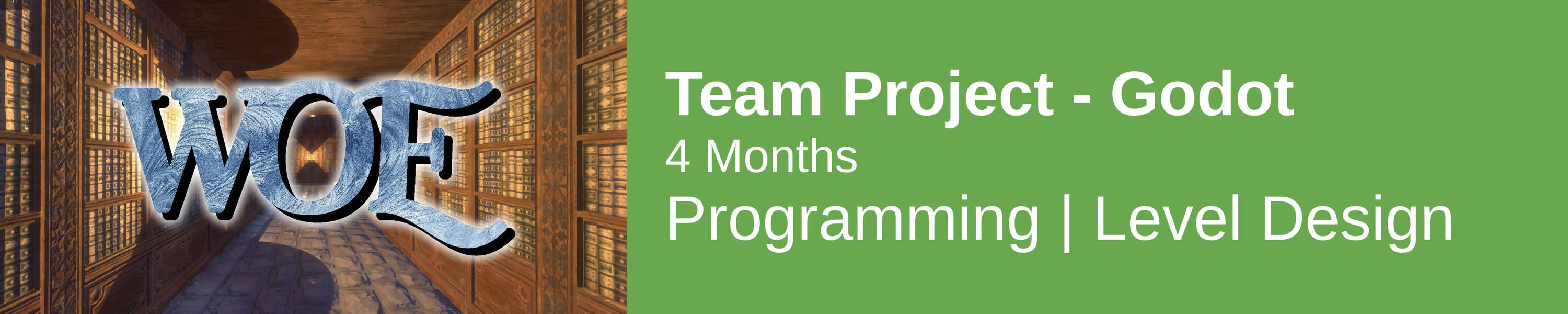
In my second year at Sheridan College I created an Minimum Viable Product for a 3D puzzle game in a small team over the course of 4 months.Woe follows a young girl grieving over the loss of her father. She must overcome her past which manifests as challenging puzzles for the player to solve. It uses a classic dungeon crawler movement system with an added vertical element and various puzzle mechanics.
Walkthrough Video
Roles & Responsibilites
ProgrammingI was responsible for implementing all of the gameplay mechanics in Godot and integrating other team member's assets into the project.
Level DesignI was responsible for designing and creating all of the puzzles and areas in the game.

Prototype of the movement system

Prototype of ice sliding mechanic
Prototyping
The initial idea for the game was more of a standard DRPG with more of a focus on combat than puzzles.I created some rapid prototypes to test out ideas and eventually decided to scrap combat all together in favour of a purely puzzle-based experience.The movement system initially had strafing, but I found in testing that it confused players so I made it so you can only move forwards and backwards.The prototypes were made in Unity instead of Godot so that the team was more comfortable with changing things and throwing things away since we'd have to rebuild it for the game anyways.
Testing
We were constantly testing new features and designs as we built them, with members of the team as well as other students.There were 2 major playtests after each milestone of development.I created a test build with built in telemetry that fed data into an excel spreadsheet. Using that data we found that players weren't using the mouse to look around, and they were getting lost in particular section of the map.With this information I added a new mechanic to the game, the lantern, which lights up when the player passes it so that they know where they've already been and wouldn't get lost or stuck so easily.I also reworked the design of the level to be less maze-like, as we found players found the purely maze sections of the level to be boring.

Initial puzzle design

Lantern mechanic - Lights up when you walk by, melts ice around it

GridMap in Godot - Can easily iterate on level designs

Before & After - Colour Grading & Kuwahara
Challenges
This was my first project using Godot
• Learned how to use the engine
• Learned GDScript
• Helped other team members with using and learning the engineUsing the GridMap
• Getting information about tiles and manipulating tiles in the GridMap required some extra work
• Had to create functions to get and set block types in the GridMap
• Getting the rotation of a block was particularly challenging
• Animated blocks needed to be on a separate GridMap, or instanced separately from the rest of the tilesUsing Shaders
• This was my first time working with fragment shaders
• I learned by looking at examples from others
• I modified an existing Kuwahara filter to fit the style we were aiming for
• I created a simple colour grading shader that let me adjust the tone of the game
Takeaways
It is important to plan out systems before creating them
• Knowing where data will exist and how it will be accessed and changed helps to avoid doing extra work when something needs to be changedEvery part of a system should be self contained
• I initially had a lot of the GridMap logic inside the player movement system, which made adding functionality to the system more difficult later on
• Parts of a system should be able to be changed without breaking other parts
Project Description
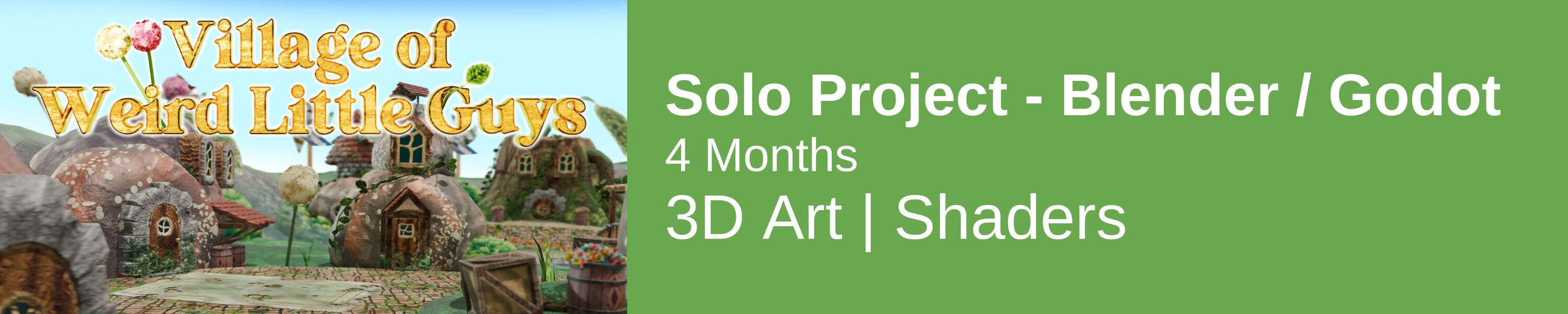
This was a solo project to make a modular 3D environment for a village of weird little guys.I made the environment in Blender and the final product was made using pre-rendered backgrounds in GodotI made a shader that takes depth information from Blender and uses it in Godot to create the illusion that the player is walking behind objects in the scene.
Finished Product

Sculpted Rocks - (Above: High-poly, Below: Low-poly with normals transferred)

Baked Normal Map
Models
Before this project I had little experience with 3D modelling.I learned how to sculpt in blender, and how to transfer the normals of a high-poly sculpt onto a lower poly mesh for optimisation.I learned how to use supporting edge loops to keep hard edges when using a subdivision surface.I learned how to connect high detail areas of a mesh to low detail areas while keeping polygon density appropriate for each area.
Textures & Materials
Since I already had experience using Adobe Substance Painter I decided that I wanted to try to learn a different tool to create textures.I used the Ucupaint add-on for Blender, which let me generate various noise patterns, gradients, and ambient occlusion, layer them, and manually edit them to create materials.I learned how to create edge wear, how to unwrap models and pack UVs, and how to combine different types of noise to make natural-looking textures.I also used Material Maker to create repeating grass, brick and rock textures for the terrain.

Some of the textures with Ucupaint on the right

Material Maker nodes for the Path texture

Geometry Nodes for creating the River

Shell texturing on the Dandelions

Scattered Flowers
Geometry Nodes
I used Blender's Geometry Nodes to create procedural geometry for a few of the models.The River, Vines, and Roots all work by creating geometry around a Bezier Curve and then modifying it and using the Shader Nodes to texture them.The Flowers and Vines use scattering to randomly place pre-modelled objects around an area.The Dandelions are made using shell texturing. I create duplicates of a sphere radiating outwards and create the texture by increasing the transparency threshold on random noise on each layer. This creates a fluffy appearance.
Animations
I used a mix of animation techniques in the environment.For the River I generated the animation procedurally by scrolling the noise down the length of the river.
In order to do this I needed to create a coordinate system that maps down the length and across the width of the river.For the leaves around the perimeter of the village I created blend shapes for moving the leaves up and down and left and right, and then manually made keyframes for the animation.

Leaf blend shapes

Animation timeline for the leaves (red: left-right, green: up-down)

How the depth shader works

The depth shader
Depth
Because the scene is using pre-rendered backgrounds, any 3D models in Godot displayed on top of it will appear only to be infront of the environment.To fix this, I exported the Depth pass from Blender and imported it as a texture into Godot.Using a fragment shader I check the depth of any 3D geometry in Godot, like the player model, and compare it against the depth from Blender.Any pixel that is further away from the camera than a pixel in the environment is not rendered. Making the background behind it visible, creating the illusion that the background is infront of the player.However, Blender and Godot handle Depth differently. Blender maps pixels from 0 (closest) to 1 (furthest) linearly from the camera. While Godot maps it from 1 (closest) to 0 (furthest) Logarithmically so that there's more information closer to the camera.To fix this I used Godot's Inverse Projection Matrix which returns the linear distance to a pixel in the depth map. Which I could then compare to Blender's linear distances.
Project Description
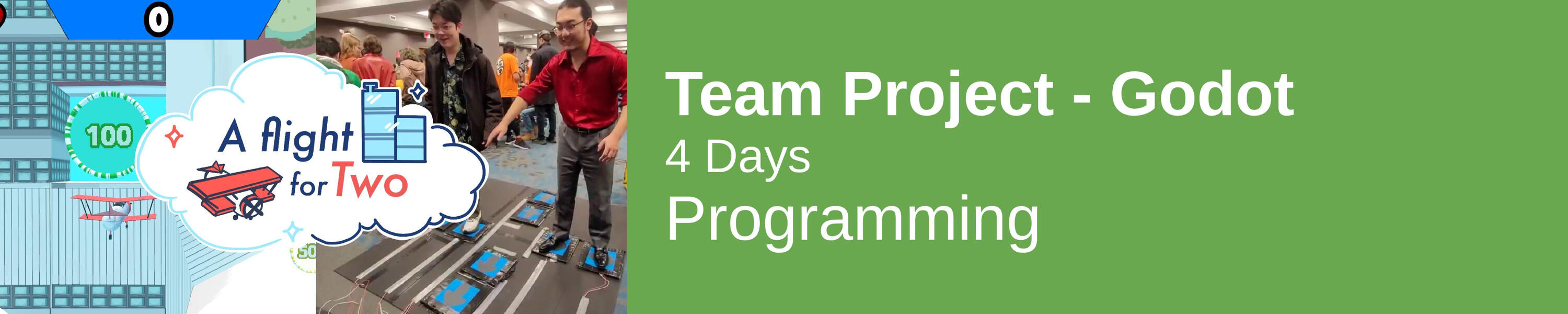
This was a Design Week Challenge in my Third Year at Sheridan College in which small team and I had to create a game that could be played with an Alternate ControllerThe game is an endless runner where two players control a plane using a foot pad and attempt to dodge buildings and fly through wings to get a high score.
Showcase Video
Roles & Responsibilites
Programming
I was responsible for all the programming on the project. Including Gameplay, Inputs, Sounds, Animations, and Shaders.
Game Design
I contributed ideas on how the game should work, features, and the design of the controller.

The foot pad, connected to a Makey Makey for input
Cloud Shader
UI Animations
Challenges & Lessons
Designing Around an Alternate Controller
The foot pad was very different from a standard controller.
Every design decision had to be made with how it will affect the player experience in mind.
The game had to be made easier than we initially thought was appropriate because the controller introduced difficulty on its own.
UI had to be made large and obvious so that it could be seen and recognized from a distance and while struggling to coordinate on the foot pad.First Time Making A Vertex Shader
At the time of this project I was really interested in learning about shaders so I used this opportunity to create a shader for the clouds.
I wanted to make them look big and fluffy, so I used Perlin noise to adjust the heights of the vertices of a plane and adjusted the dropoff curve to be a steep sigmoid function which gave the edges of the clouds a much more obvious depth to them.UI Animations
Because the game was going to played a fair distance away from the laptop screen, UI elements had to be large and flashy to get the attention of players.
To achieve this I implemented a number of animations for when players gain a life, run into something, or gain points.
I made these animations in Godot using the Animation Timeline.

Project Description
In my Third Year at Sheridan College I created a level for the game DOOM.The level was designed to fit with the themes, metrics, controls, and feel of DOOM. The level takes around 10 minutes to complete.
Walkthrough Video

Metric Playground

Greybox Build

First map (top) vs Final map (bottom)


Custom Textures
Challenges & Lessons
Learning DOOM
I had to learn how to build a map for DOOM and how to adapt my ideas to fit within the constraints of the game.
The first 4 weeks of development was spent on researching tools and techniques for making DOOM maps. Including case studies of existing maps and learning what makes them work and what could be improved on.Testing and Iteration
I went through 4 major milestones with the level, with 2 formal playtests after the 2nd and 3rd.
I created a survey for each playtest and asked players qualitative and quantitative questions which resulted in actionable feedback on the level.Custom Textures
I created some custom textures to fit with the theme of my level.
I made these textures using Material Maker, a free and open source node-based material creator.
When importing them, I had to adjust the colours to fit with DOOM's limited colour pallet.
LDD
Over the course of development I created and maintained a Level Design Document which documents the design of the level.This outlines the story, references, program, and metrics of the level, and includes diagrams and maps for understanding the flow and structure of the level.
Project Description
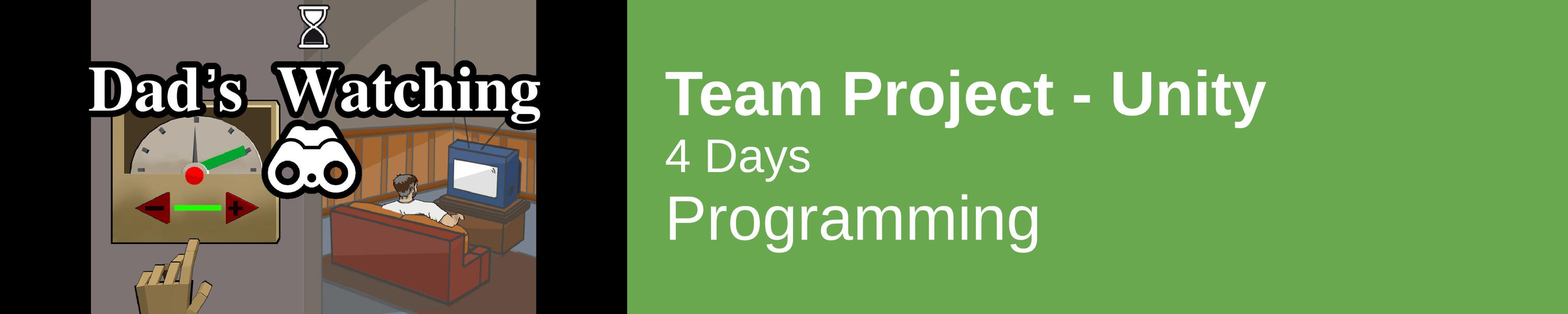
This was a Design Week Challenge in my First Year at Sheridan College in which a small team and I had 4 days to create a microgame that would be included in a collection of microgames on an arcade cabinet on the campus.Our game, Dad's Watching, is about trying to adjust a thermostat while your dad isn't looking. We tried to make the controls of the thermostat difficult to use to challenge players. If dad catches you touching the thermostat, he will fight against you to move the temperature back.
Showcase Video
Roles & Responsibilites
Programming
I was responsible for the gameplay programming of the game, and for creating tools in the engine for other designers to adjust the feel of the game.
I also helped manage the git repository for the team.

Sliders to adjust the game feel

Game on the Arcade Cabinet
Challenges & Lessons
Working as a Team in Unity
This was the first time I collaborated on a Unity project, and I had to learn how to handle merge conflicts and make sure that no one's work was being overwritten.Tool Creation
I made tools for the rest of the team to use inside the engine for adjusting how the game feels.
I had to make sure that my input variables had appropriate names, input options, and that they were organised effectively.Compliance
Because this was to be included in a collection of microgames, it had to comply to strict set of specifications to make sure it would integrate smoothly into the larger project.
I did extra testing and made sure that every time something was added or changed that the game still met specification.
Project Description
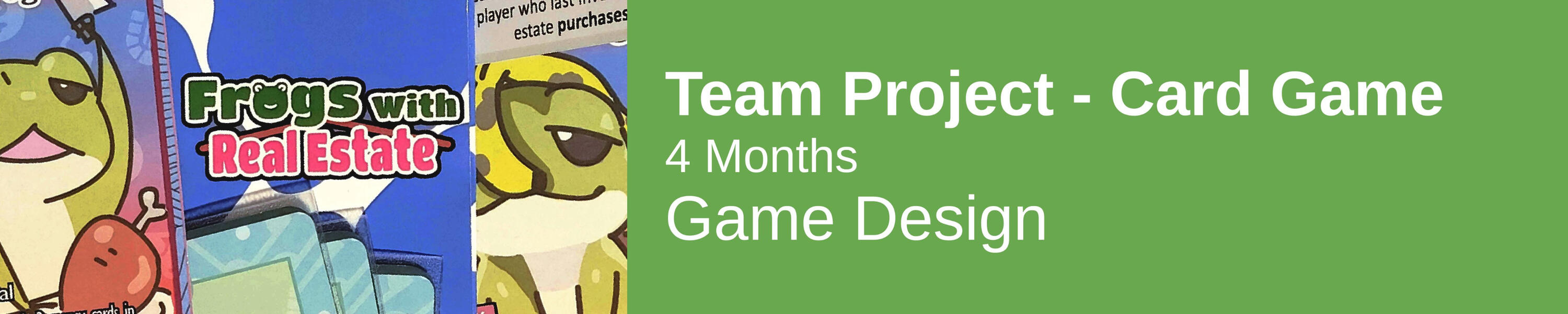
In my First Year at Sheridan College a small team and i designed an 18-card wallet game, which we polished and produced physically to a professional level.Our game was called Frogs With Real Estate. It's a two player game where players invest in real estate with the goal of losing the most money by the end of the game, or else the frog god will punish them for being greedy.
Showcase / How To Play Video
Roles & Responsibilites
Game Design
I provided input to the rest of the team on the design of the game.
Rule Book
I was responsible for creating the Rule Book using Adobe inDesign.


Rule Book

Card Designs
Challenges & Lessons
First Time Using inDesign
I had to learn how to use inDesign to create the Rule Book and the layouts for printing the cards.
I learned how to make two sides of a sheet copacetic, and how to add bleed to cards to give them extra space when cutting.
Our Rule Book had to fit on 8 very small pages, so the rules had to be simple and succinct.
I made use of Diagrams to help explain concepts Visually.Designing for Physical Objects
I had to take the fact that the cards are physical objects into account when designing and iterating on them.
For instance, I put any numbers on the card at the top and bottom edges, so that they could still be read if another card was covering it. Numbers also had to be flipped on either side to ensure readability no matter what way players held them.
Since we were limited to 18 cards we decided to make use of both the front and back to effectively increase the amount to 36.Making the Design as Simple as Possible
One of our Design Pillars was to have the game be as simple and easy to understand as possible, without making it trivial or uninteresting.
During the research phase of this project we found other wallet card games that had an overwhelming amount of information on the cards and in the rules. We decided that our game should be teachable and playable in under a minute.
The design process constantly went back and forth trying to find the perfect balance of simplicity and strategy.
OpenMP Parallel Ray Tracer
Written in C++
Uses OpenMP for multi-threading
Renders a scene of spheres with random materials using ray tracing algorithm
Handles reflection, refraction, transparency
Writes to a .ppm file

Output
Finished Project
Unreal Engine 5 Lighting
Given a scene from What Remains of Edith Finch
Had to light the scene to fit post-apocalyptic theme
Used post-processing effects and particle effects to add ambience
Used blueprints to make UI, Camera movements
Created dynamic soundscape for the scene
3D Adaptation of Defender (1981)
Written in C++
Reads terrain height map from image file
Voxel based rendering
Minimap with rotations
Pathfinding AI

Screenshot

Example Output
Anime Recommendation Script
Written in Python
Accesses anilist.co API to get user's favourite anime
Gathers commonly recommended anime based on those favourites
Eliminates any that the user has already seen
Ranks based on relevance and average score
Pulls cover images from anilist API
Generates HTML page to view output